
Bg Remove
Cut out subjects from photos in seconds — upload, erase, and download crisp transparent PNGs with Bg Remove. No skills needed.
Feedback
All Tools
Browse AI tools
MiniMax H3
MiniMax H3 AI Video Generator
Seedance 2.5
The Future of AI Video Is Here.

Seedance 2.0
The Future of AI Video Is Here.

Veo3.1
Create Stunning Videos with Veo3.1
FLUX 3 Video Generator

Kling 3.0
Next-Gen AI Video Generator
Grok Video Generator
Create Videos from Text or Images with AI
MiniMax H3 video generator
MiniMax H3 AI Video Generator
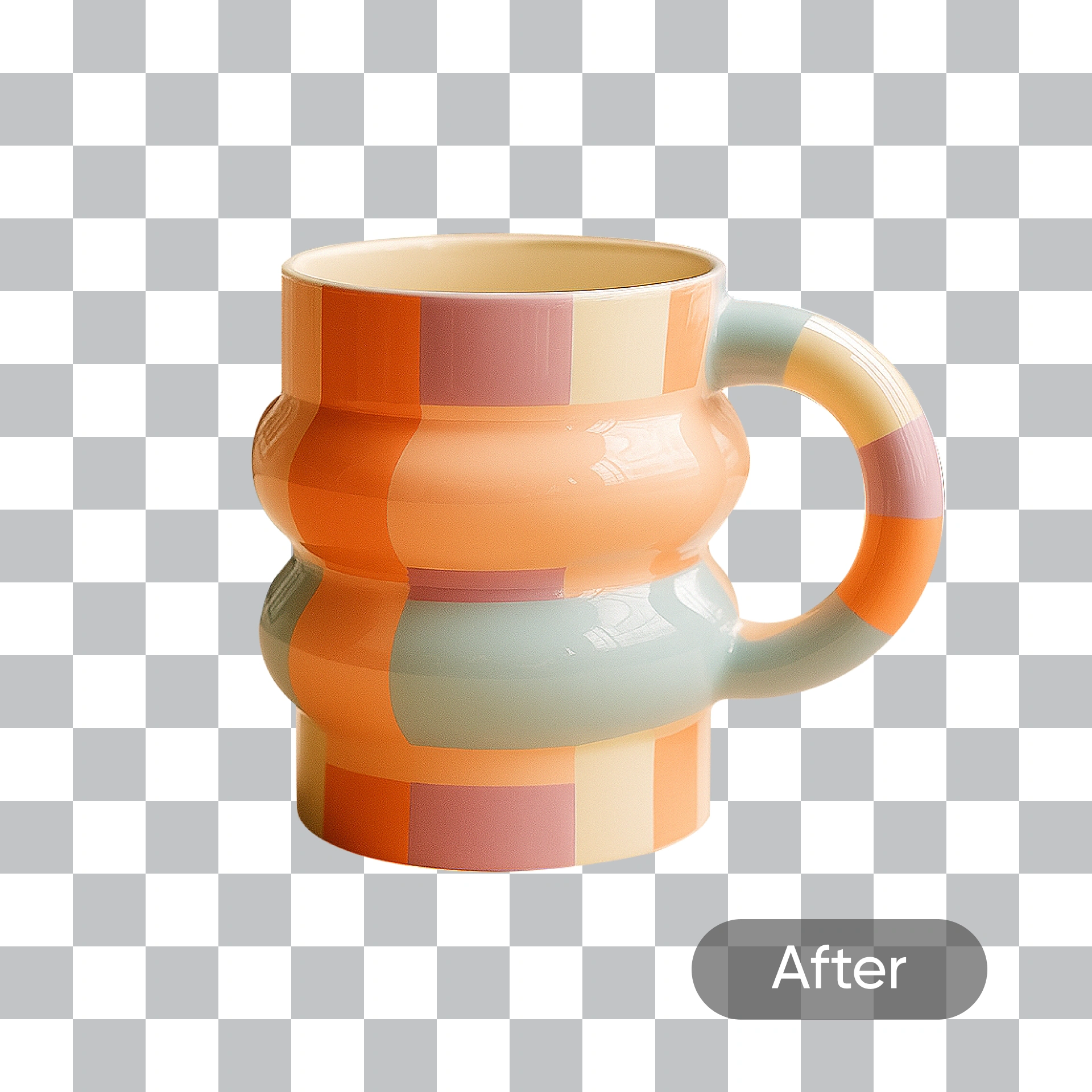
Bg Remove Explained: What It Does for Your Photos
Bg Remove works as a full backdrop editor — delete old scenes, add new ones, and get studio-grade output with sharp edges.
- Sharp OutlinesClean boundaries with fine detail intact.
- Instant CleanupBusy backdrops gone in mere seconds.
- Color FidelityOriginal hues stay perfectly accurate.
Why Bg Remove
Fast cutouts, clean edges, and ready-to-use results from Bg Remove.
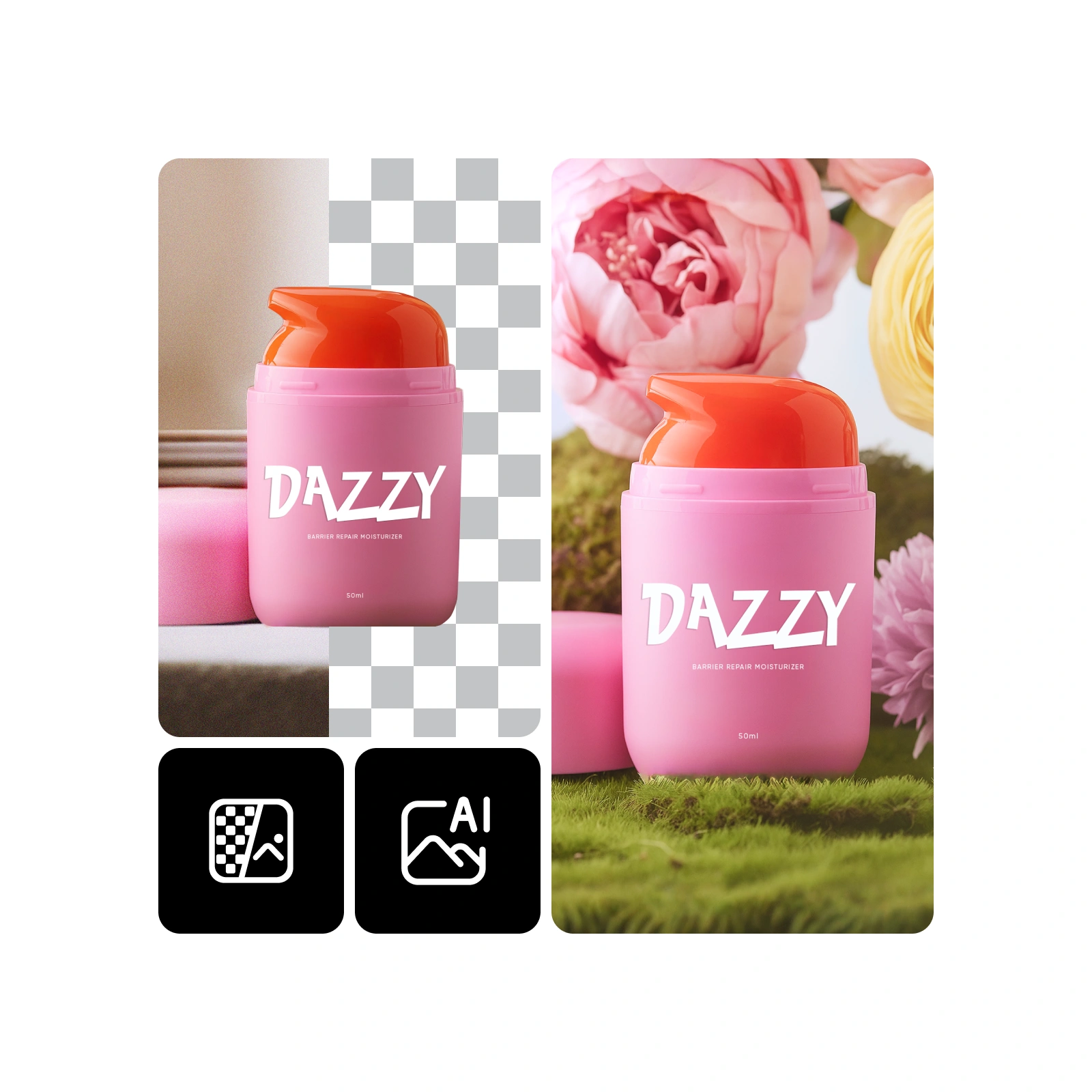
Getting Started with Bg Remove in 4 Steps
Import your picture, pick a backdrop style or clear it entirely, and save the final version using Bg Remove.
Key Capabilities of Bg Remove
Bg Remove excels at extracting subjects cleanly, protecting hair textures, and swapping backdrops without altering natural colors.
Pixel-Perfect Extraction
Every contour captured with crystal clarity.
Hair & Fur Integrity
Delicate strands and fur stay perfectly defined through the process.
Facial Protection
Your subject's complexion and features remain untouched throughout.
Edge Refinement
Cuts down on light spill and ghosting near contours.
Color Consistency
Maintains exact shade and brightness from the original shot.
Mobile-Optimized Speed
Engineered for swift processing even on smartphones.
Bg Remove: Your Top Questions Answered
Got questions about cutting out subjects and changing backdrops? Find clear answers about Bg Remove here.
What does this tool do?
It strips away unwanted backdrops and lets you swap in new scenes in seconds.
How is it different from other tools?
It combines precise edge detection, fine hair preservation, and sub-minute processing.
Which types of images work best?
E-commerce products, headshots, brand assets, and social media visuals all turn out great.
How long does it take?
Most edits complete in under 60 seconds.
Are faces preserved accurately?
Absolutely — skin tones and facial features stay completely intact.
Can I use results commercially?
Yes, depending on your current plan terms.
Start Editing with Bg Remove Today
Erase unwanted backdrops in seconds and get your finished cutout right away.